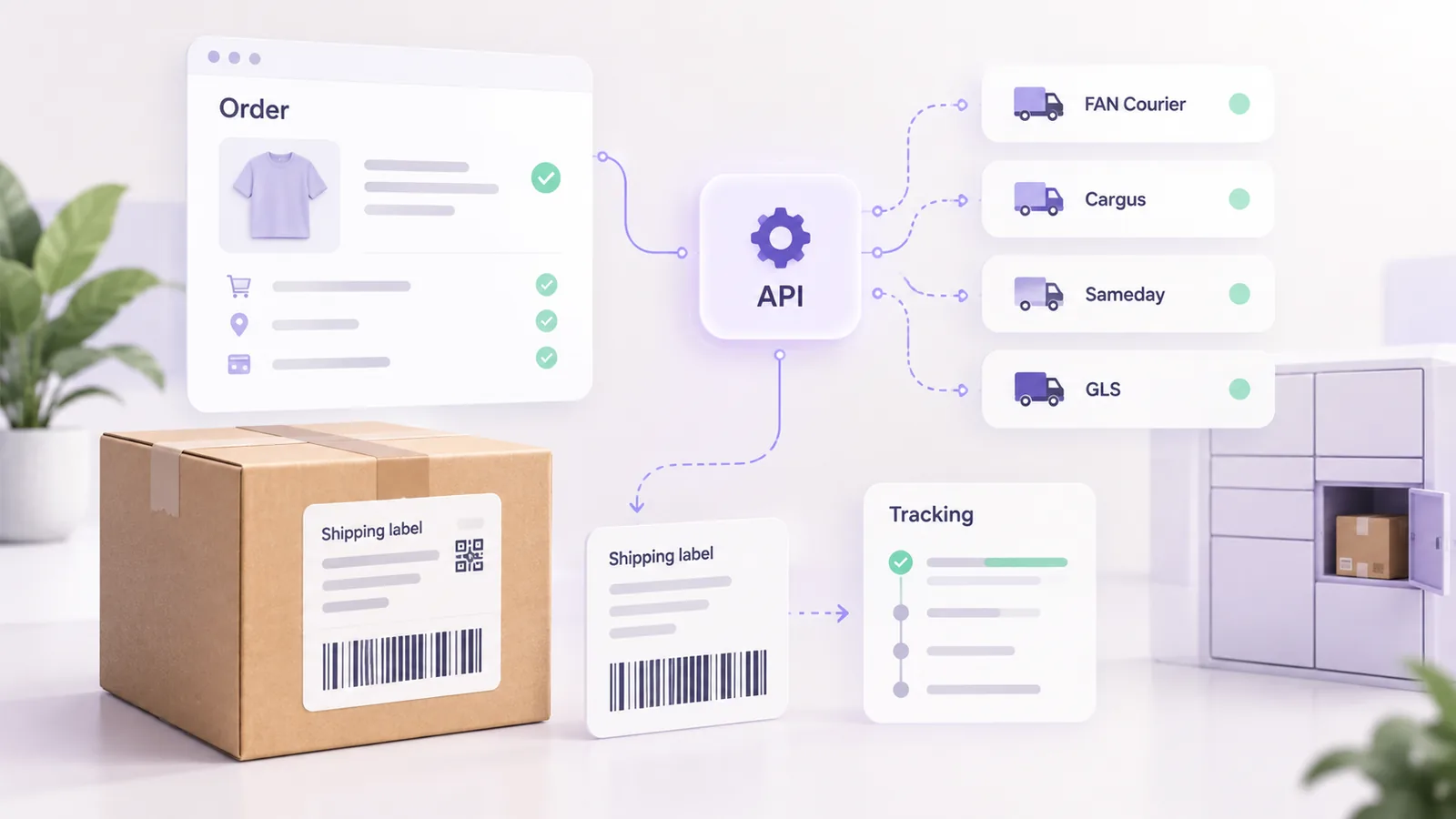
Delivery to a locker or a partner point has become, for many customers, the first option they look for at checkout: they do not depend on the courier’s schedule, they pick up the parcel when it suits them and often pay less. For the store, it brings a new technical requirement: you have to show real points, save the chosen one on the order and send the courier the data in its own format and under its own rules.
This guide explains step by step how to implement locker delivery correctly, with observations from our integration with GLS and other couriers in the shipping platform we develop. For the general context of courier integration, see the guide on what data each courier needs.
In short: you need an up-to-date list of points (with identifier, address, coordinates, schedule and cash on delivery rule), a selector with a map and search in the checkout and the point identifier saved on the order. Cash on delivery at lockers is rarely available, so check before offering it. The AWB label must show the locker as the recipient, and the list has to be refreshed periodically.
Types of delivery points
Terminology differs from one courier to another, but in practice you find three categories. The locker is a machine where the parcel is dropped off and collected with a code, usually around the clock. The partner point (a ParcelShop, at GLS) is a shop or café that keeps the parcel during its own opening hours. The depot, the courier’s own site, is the third type, which you generally do not offer customers as a delivery option.
Technically, these are two different services you ask the courier for: delivery to an address and delivery to a chosen point. For the second, the courier asks for the identifier of the point, not the customer’s address.
The data you need about each point
The list of points is usually obtained through a courier API call, as a full list. For GLS Romania, in September 2026, the list had almost 3,000 points, split between ParcelShops, lockers and depots. For each one it is worth keeping:
- The point identifier. At GLS it is a string, not a number, and it is the value you send to the courier. Do not derive it from other fields.
- The name and address, for display, plus the county and locality so you can filter the list.
- The coordinates, for the map. If the courier provides them, you do not need geocoding.
- The opening hours, so you can show the customer when they can collect. Most lockers are open around the clock; at GLS, 1,809 of 1,822 lockers were open 24/7 in our data.
- The real postcode of the point. Careful: the digits in the identifier do not always match the postcode. Read it from the point’s address.
- The cash on delivery rule, meaning whether the point can collect cash. See the dedicated section below.
- Closure periods, for temporarily closed points (holiday, renovation).
Filter out inactive or temporarily closed points before showing them, otherwise a customer may pick a place where the parcel cannot be delivered.
What the checkout selector looks like
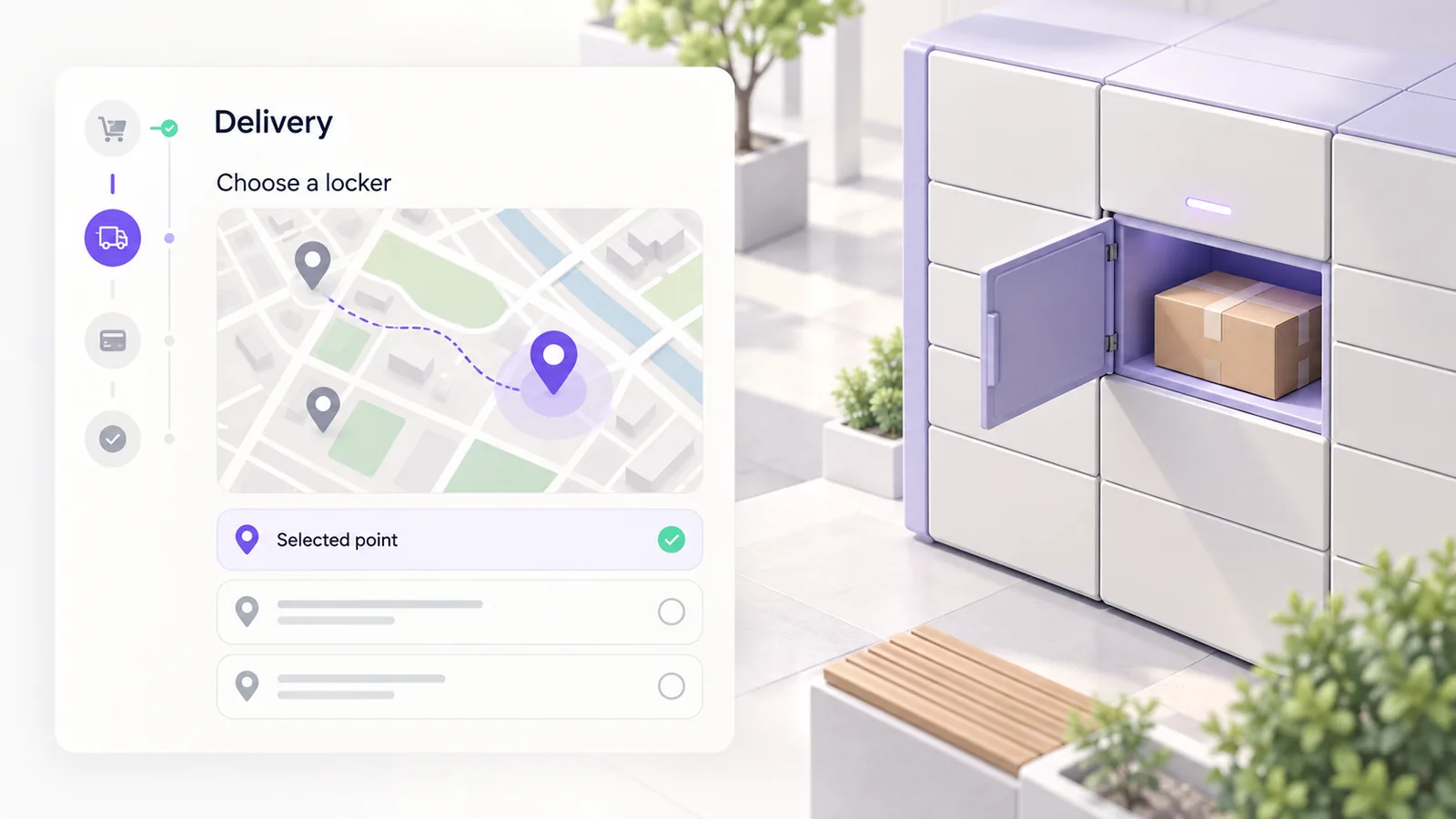
A good selector has three elements: a search by city or area, a map with pins and a list synchronised with the map. The customer should immediately see the address, the hours and the type of point, and the choice should be visibly confirmed, with the point’s name shown in the order summary. On a phone the map should take the whole screen, because that is where most orders are lost.
What exactly you implement depends on the checkout. In the classic checkout the selector connects through hooks, while in the block checkout it has to be built with the new mechanisms, as explained in the guide on block versus classic checkout. If you use a shipping plugin with a map, check beforehand whether it declares support for your variant.
What to save on the order
Save on the order the identifier of the chosen point, its name, its full address and the courier. You need them in four places: when generating the AWB, in the confirmation email, in the admin (so whoever prepares the parcel clearly sees it is a locker delivery) and on the tracking page. If you only save the displayed name, you lose the link to the real point, and after a list update you no longer know which place it was.
Cash on delivery at lockers
This is where the most common surprise appears. Not all points accept cash. In our GLS data from September 2026, out of almost 2,840 points (ParcelShops and lockers), only 18 accepted cash on delivery. In practice, that means a customer who picks a locker has to pay online beforehand.
The correct implementation is to save each point’s cash rule and hide or disable the “cash on delivery” payment method when a point that does not accept it is chosen, before the order is placed. If you offer cash on delivery for any locker and the courier rejects it after the order, you end up contacting the customer to change the payment, which costs more than good validation in the checkout.
The label and AWB for a locker
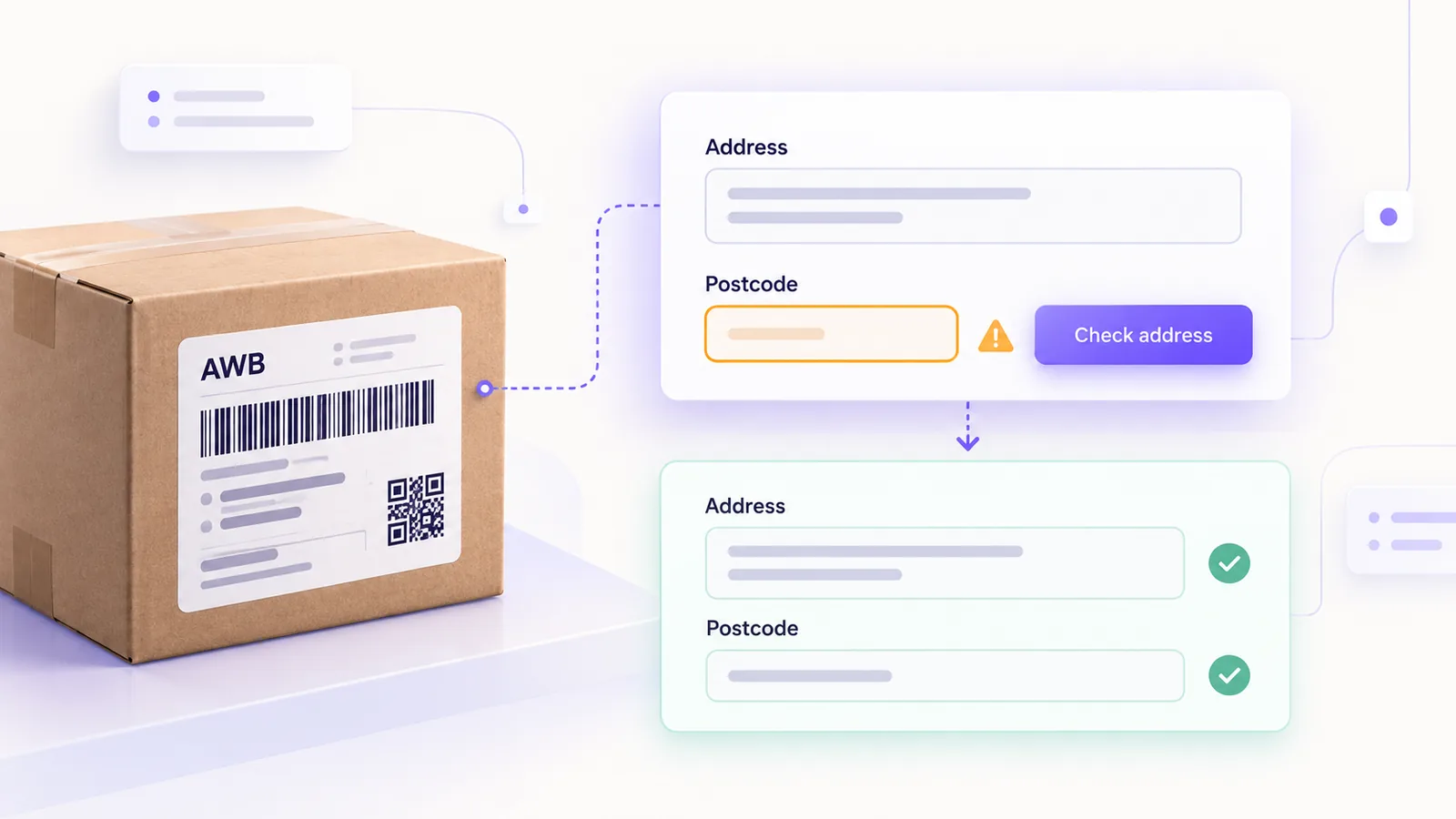
When you generate the AWB, you send the point identifier, not the customer’s address. The courier ignores the customer’s address for point delivery and uses the point’s address. The resulting label shows the locker as the recipient, while the customer’s details (name, phone, email) appear as the contact person, for the pickup notification. That is why the customer’s phone and email must be valid, even if for home delivery some of them may be missing.
The same principle applies to the postcode: for locker delivery use the real code of the point, not the customer’s. If you send a wrong code, the risk is a validation error at the courier; we detailed the causes in the guide on rejected AWBs.
Returns to a locker have their own rules. For example, Sameday’s documentation asks, for a return through easybox, for a date until which the customer can drop off the parcel. If you offer returns to lockers, check these requirements first.
How to keep the list up to date
Points change: new lockers appear, some move, others close temporarily. Refresh the list periodically, in an automated job, with safety checks: if the new response has far fewer points than the old one, it is probably incomplete and must not replace the existing list. For us the import runs weekly, and a minimum threshold of points protects the old data from a partial response. If a customer picked a point that disappeared after the order was placed, the operator should get an alert instead of hearing about it from the courier.
Common mistakes
- Saving only the point’s name, not its identifier.
- Offering cash on delivery for points that do not accept it.
- Using the customer’s postcode for locker delivery.
- Not filtering temporarily closed points.
- Not refreshing the list, so customers choose points that no longer exist.
- Forgetting the customer’s phone, which is needed for the pickup notification.
Frequently asked questions
What is the difference between a locker and a partner point?
A locker is a machine, usually open around the clock. A partner point is a shop or location that keeps the parcel during its own hours. For the integration, both are chosen by their identifier.
Can I offer cash on delivery at lockers?
Only if the point accepts it, and in practice very few do. Save each point’s rule and hide cash on delivery when it is not allowed.
Where do I get the list of lockers?
From the courier’s API, as a reference list. Save it locally and refresh it periodically, instead of calling the courier every time a map is shown.
What happens if the chosen locker disappears?
The operator has to be notified and the customer has to be able to choose another point. That is why it matters to save the real identifier and compare orders against the current list.
Does the selector work in the block checkout?
Only if it is built for blocks. A selector written for the classic checkout does not appear in the block version, so check before migrating.
If you want to add locker delivery to your store, see what a courier integration looks like and how we work on online store development.