How is a B2B customer's price calculated?
A B2B customer's final price is calculated in four steps, always in the same order: start from the list price, replace it with the customer's negotiated price if one exists for that product, apply the valid quantity discount, then apply VAT according to the store settings.
| Step | What happens | Source |
|---|
| 1. List price | the product's general price | ERP, synced on a schedule |
| 2. Negotiated price | replaces the list price, only for the logged-in customer | ERP, per customer and product |
| 3. Quantity discount | applied on top of step 2, based on cart quantity | store rules, global or per product |
| 4. VAT | with or without VAT, per settings | product VAT rate from the ERP |
The negotiated price is never saved on the product. The same product has different prices for different customers, so the price is applied only at display time, for the logged-in customer. In the cart and at checkout, each line shows the discount applied, so the customer can see where the final price comes from.
Why a custom B2B platform, not a plugin?
A custom B2B platform starts from how your business already works: negotiated prices, customers and their delivery locations stay in the ERP, and the platform reads them from there. A B2B plugin makes you move those rules into the store and maintain them in two places.
| B2B plugin | Custom platform connected to the ERP |
|---|
| Prices | entered and maintained in the store, by customer group | read from the ERP, negotiated per customer, no double bookkeeping |
| Customers | register and get approved manually in the store | accounts created from the ERP, with company, VAT number and payment terms |
| Orders | stay in the store, re-entered manually in the ERP | go straight into the ERP |
| Delivery | addresses typed by the customer | delivery locations from the ERP |
| Invoices | sent separately by email | in the customer account, straight from the ERP |
| Business rules | as far as the plugin allows | built exactly around your workflow |
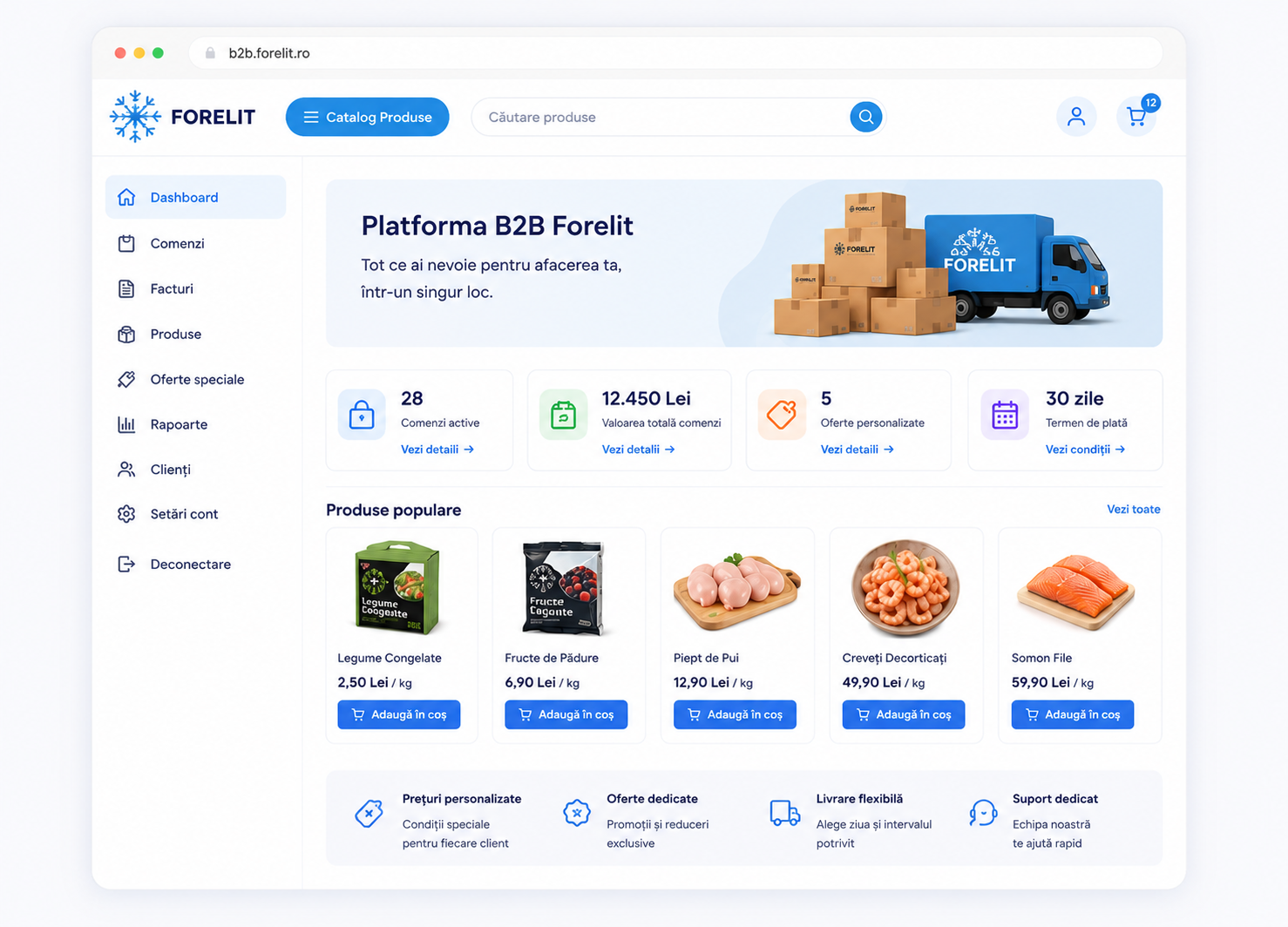
We build every B2B platform from scratch, on WooCommerce, connected to the ERP you already use: SoftOne, Nexus or Oracle. The code is yours and adapts to your processes, not the other way around.
Orders per delivery location
B2B customers don't order "to an address" but for a location: a restaurant in a chain, a shop, a warehouse. Locations come from the ERP, and the customer picks one with every order.
Customers see their locations in their account and can set a default one, but cannot add or edit them: they stay managed in the ERP. Without a location, the order cannot be completed. The chosen location's details are saved on the order, so the history stays correct even if the address changes later. At checkout, the customer also picks a delivery time slot.
Invoices in the customer account
Every B2B customer sees their invoices right in their store account and downloads them as PDF, without asking for them by email.
Invoices are imported from the ERP with number, date and amount. The PDF is not stored on the site: when the customer clicks "Download", the platform requests it from the ERP at that moment and delivers it. Access is controlled: a customer sees only their company's invoices, while your team sees all of them.
Customers on hold
A customer with overdue invoices can be put on hold from the platform: they still see their account and invoices, but cannot place new orders until the hold is lifted.
The status is set on the customer account: active, on hold, or with grace days. A customer on hold sees a notice in their account, cart and checkout. The hold is checked when the order is processed, not just in the interface, so it cannot be bypassed. The internal reason (for example "45 days overdue") is visible only to your team.