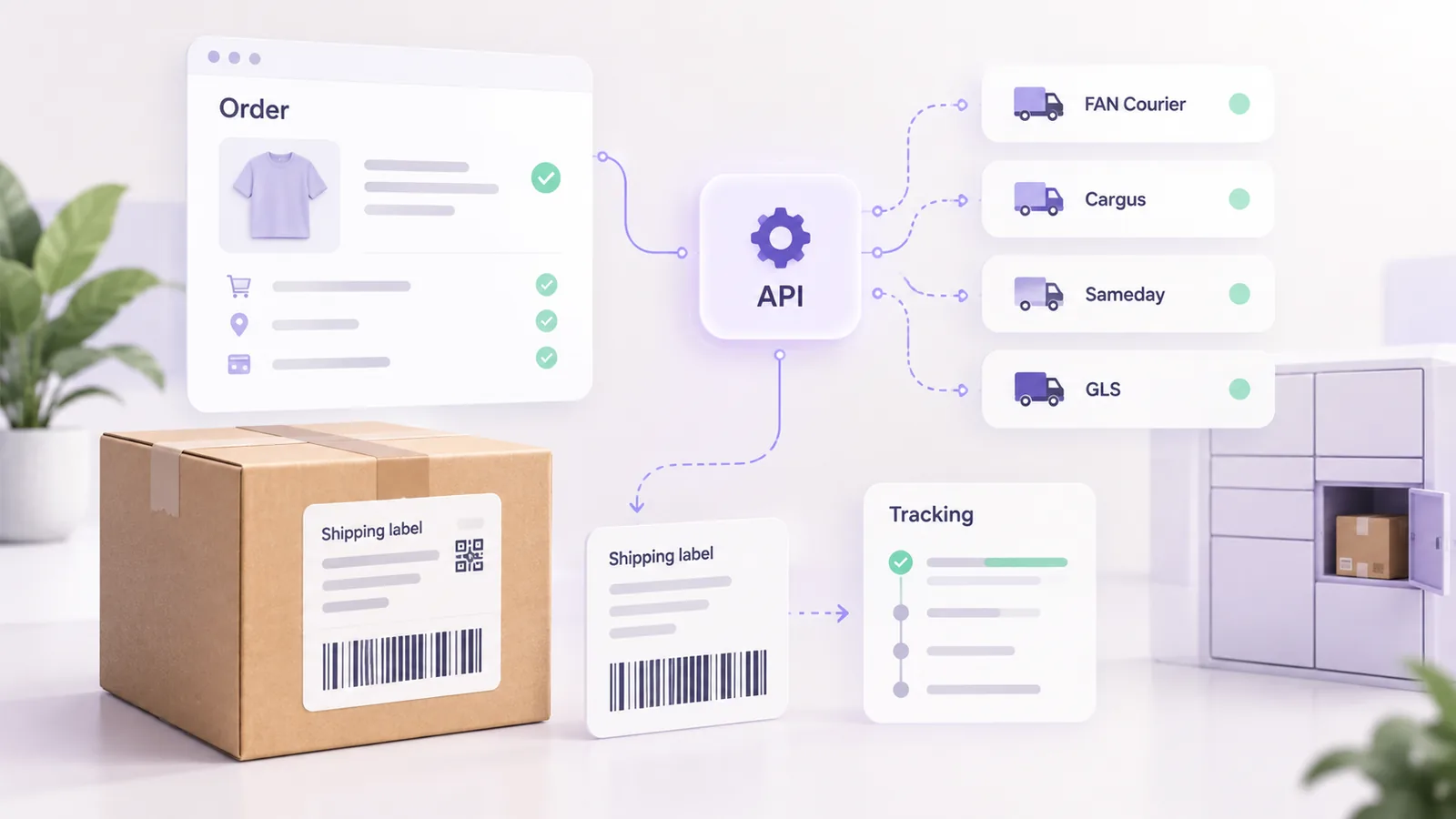
Sooner or later every online store that ships parcels reaches the same decision: integrate the couriers, so that AWBs (the courier waybills) are generated automatically, parcel statuses reach the customer without anyone writing messages, and cash on delivery and lockers work without manual entry. On paper it is simple: you send the order data and you get an AWB back. In practice each courier asks for the data in a different format, validates the address differently and answers differently when something is wrong.
We built Ordova, our shipping platform that connects FAN Courier, Cargus, Sameday, DPD and GLS to online stores, so this guide is not a paraphrase of the official documentation but what we learned integrating those couriers: what data they ask for, where errors appear and what to plan for before you start the project.
In short: all couriers ask for the same groups of data (sender, recipient, structured address, parcel, cash on delivery, service), but they differ in authentication, in how they identify the locality or postcode, in lockers and in returns. Most rejected AWBs come from the address and postcode, not from the API call. Save the label at creation and treat a “parcel not found” response differently from a network error.
The data every courier asks for
Before the differences, it is worth seeing how much the requirements overlap. Whatever the courier, creating an AWB asks for:
- The sender or pickup point: name, phone, full address and, for some couriers, an identifier of the pickup point configured in your account.
- The recipient: name, phone (almost always mandatory) and email, sometimes optional.
- A structured delivery address: county, locality, street, number and postcode.
- The parcel: weight, number of parcels and dimensions when the service needs them.
- The service: standard, express, locker delivery, pickup-point delivery.
- Cash on delivery: the amount, the currency and, with some couriers, a reference to identify the payment.
- Declared value or insurance, if you have it in your contract.
- The pickup date, which must respect the days agreed with the courier.
If your store already has this data structured in the order, you have half the work done. If the address is a single free-text field, the problems described below follow.
What differs between couriers, from what we met
The table lists particularities we met in real integrations. Each courier’s documentation changes, so always check the current one.
| Courier | Authentication and account | What we met in practice |
|---|---|---|
| FAN Courier | Account with a client identifier | For returns it needs the branch address saved in the configuration; without it, the return AWB is rejected |
| Cargus | Token-based authentication | If you log in for every parcel while tracking, you can get a 429 error (too many requests), so reuse the token |
| Sameday | Account with a pickup point | Some services require the locality identifier from their reference list; on returns the data structure is inverted (the customer appears as a third party the parcel is collected from) |
| GLS (MyGLS) | Username, password sent as a hash and a client number | The postcode is mandatory and validated by GLS; their reference data has no county field; errors come back with HTTP 200, inside error lists, not with failure HTTP codes |
The address: where most AWBs are lost
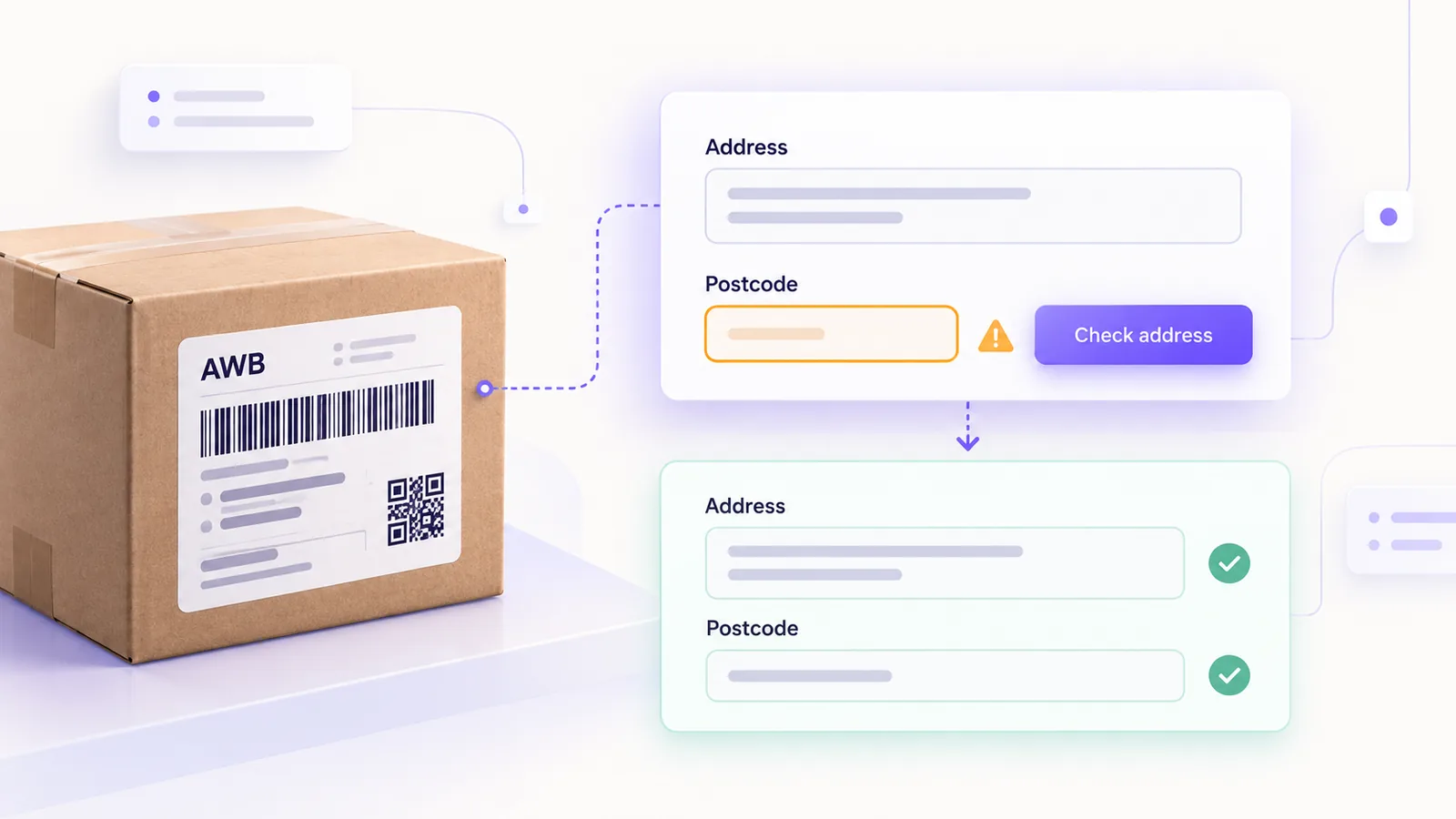
Most AWB creation errors do not come from the API but from the address. Three things repeat in every integration:
The locality reference list. Every courier has its own list of localities, with its own spellings. A customer who types “Bucuresti”, “București” or “Buc. Sector 3” may be accepted by one courier and rejected by another. The safe solution is to put two selection lists in the checkout (county and locality) fed from the couriers’ reference data, not a free text field. That also means the address selector must work in the checkout variant you use, as explained in the guide on block versus classic checkout.
The postcode. Some couriers route by postcode and validate it strictly. With GLS, for example, a non-existent code is rejected with an explicit error, and Bucharest has different codes per sector, so a generic code for “Bucharest” is not enough. The best approach is to derive the code from the locality and, for Bucharest, from the sector, and to ask the customer for the sector if it is missing.
The street and number. Some documentation asks for the number as a numeric value, while in the field you see “12A”, “5 bis” or addresses with no number at all. Keep the number and the extra details separate from the street, and test with real addresses, because some values accepted in practice do not appear in the documentation. The phone number is normalised to a single format (E.164) before sending.
Cash on delivery
Cash on delivery usually asks for the amount, the currency and sometimes a reference. Two details matter: not every delivery point accepts cash on delivery (with GLS the information comes as an attribute of each point in the reference data), and the amount must match the order total, including shipping, otherwise the courier collects a different sum from the one in the store. If you also have company customers, pay attention to the billing data too, because the invoice has to match what is collected.
Lockers and pickup points
Delivery to a locker or partner point is now a common expectation. Technically it needs two things: a reference list of points (with GLS Romania, around 3,000 points: ParcelShops, lockers and depots) and saving the identifier of the chosen point in the order. Two traps: the identifier of a point does not always coincide with a postcode (the real code is read from the point’s address), and for locker delivery the courier ignores the customer’s address and uses the locker’s address, so the label has to show the locker as the recipient, with the customer’s details as the contact person.
AWB labels
Save the label at the moment of creation. With GLS, for example, a label that has already been printed cannot be requested a second time through the API (the response is an error), so the only possible reprint is from their account or from the copy you saved. The format matters too: a 10 by 15 cm (A6) label does not look like a small thermal one, and the default type often depends on the account settings, not on your call.
Tracking
Every courier has its own set of statuses: GLS alone has around a hundred codes. For the customer to see something coherent, you map all the codes to a small set of your own statuses (created, picked up, in transit, delivered, returned, cancelled). Three more things show up in practice:
- A parcel that has just been created may answer “not found”. For the first minutes that is not an error but “pending”.
- After cancellation the courier may keep reporting an old status for a while. Do not downgrade a cancelled parcel to a non-final status.
- Do not check every parcel equally often. A parcel created yesterday deserves a check every few dozen minutes, one from a month ago a few times a day, and after a number of days you should stop, otherwise you burn requests on dead data.
Errors and robustness
Treat errors as part of the product, not as an exception. Remember that some couriers answer with HTTP 200 even for wrong credentials, so do not rely on the HTTP code but on the response body; that a 404 can mean either “parcel does not exist” or “wrong API address”; that blindly retrying a request can create duplicate AWBs or trigger the courier’s safety limits; and that some couriers do not offer a usable test environment. We validated our integrations on real parcels, cancelled immediately, with explicit approval and test data, and you should do the same, carefully, because a real AWB is a real expense.
Build it yourself or use a platform
Integrating a single courier, with no returns and no lockers, can be done directly in the store. But from two couriers upwards, or when you need returns, lockers, tracking for the customer and maintenance whenever the APIs change, the total cost grows fast. At that point it makes sense to use either a ready-made platform or an integration built to order on the couriers’ APIs. If you ship a high volume of parcels, Ordova is the solution we use ourselves.
Checklist before going live
- All sender data is filled in and tested (address, phone, pickup point).
- The county and locality selectors use the courier’s reference data.
- The postcode is derived or validated, not left free.
- Cash on delivery matches the order total, in the right currency.
- Lockers work in the checkout variant you use.
- The label is saved at creation and can be reprinted.
- Tracking tells “pending” apart from an error.
- You have tested cancellation and returns with a real parcel.
Frequently asked questions
Why does the courier reject my AWB when the address looks correct?
Most often because of the reference data: the locality or postcode does not match the courier’s list exactly. Also check the street number and the phone.
Do I need a contract with every courier?
Yes. API credentials come from your account with the courier, and the available services (cash on delivery, lockers, returns) depend on the contract.
Can I use several couriers in the same store?
Yes, but you add complexity: each courier has its own reference lists, its own statuses and its own errors, and all of them have to be normalised into a common model.
Is a plugin or a custom integration better?
It depends on the number of couriers and the requirements. For one courier and a simple flow, a plugin may be enough. For several couriers, returns and your own tracking, a dedicated integration is usually more stable.
What is the riskiest part of a courier integration?
Addresses and mishandled errors: a duplicate AWB, a wrong cash on delivery amount or a parcel sent to a wrong address costs more than the development itself.
If you want to know what this would involve for your store, see what a courier integration looks like and how we work in logistics and transport.