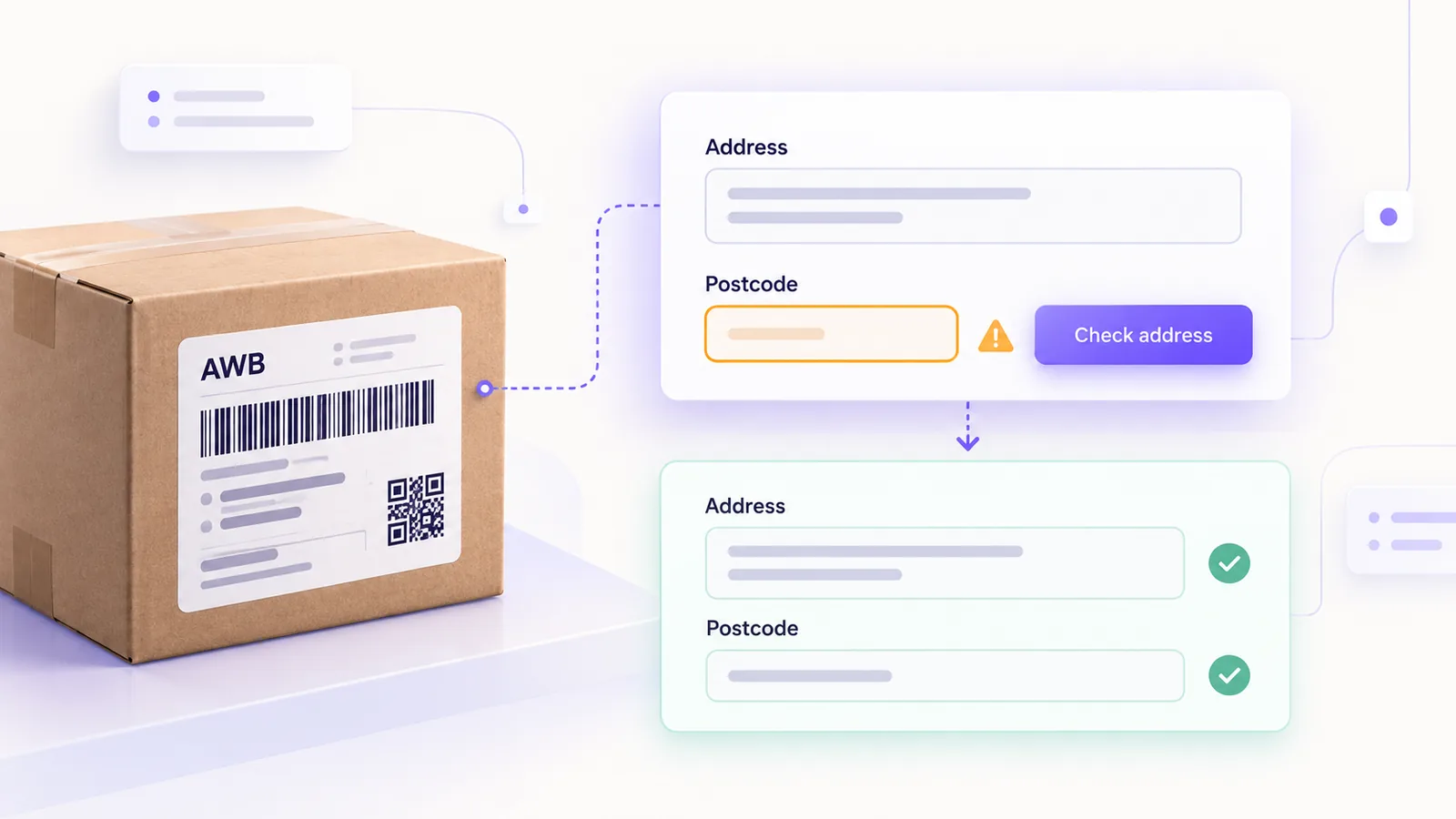
A rejected AWB (the courier waybill) means a paid order that does not ship, a customer who waits and a person on your team who corrects an address by hand. Most of the time the cause is not a bug in the integration but an address that does not look like what the courier knows: a missing postcode, an unspecified sector, a village with the same name as another in the same county or a street number the system refuses.
We have integrated several couriers in our shipping platform, and the guide below collects the causes we have seen most often, together with how we prevent them before the address reaches the courier. For the bigger picture, start with the guide on integrating couriers into an online store.
In short: most rejected AWBs come from the reference data, not from the API. Take the county and locality from lists, not from free text, derive the postcode from the locality (and from the sector in Bucharest), keep the street number and details separate, normalise the phone number and show the operator a clear message instead of the courier’s raw error.
What a rejected AWB actually looks like
An error response does not look the same for every courier. Some give you an HTTP failure code. Others, like GLS, answer with HTTP 200 and put the error in a list in the response body, so a call that looks successful can actually be a failure. That is why the first rule is to read the response body, not just the HTTP code. The second is not to show the person in the store the courier’s raw text, but a message in plain language that says what to fix.
The 9 most common causes
- Missing or invalid postcode. Some couriers route by postcode and validate it strictly. With GLS, a missing or non-existent code returns error 13 (missing mandatory data or invalid data in the recipient postcode). Fix: do not leave the code free, derive it from the locality and validate it against the courier’s reference data.
- Bucharest without a sector. The capital has different codes per sector, and a generic code for “Bucharest” is either not accepted or sends the parcel on the wrong route. Fix: ask for the sector in the checkout and derive the code from it; if it is missing, show a clear error instead of guessing.
- Homonymous localities. Romania has many villages with the same name in the same county. In the data we imported from GLS, over 340 such localities are told apart only by the commune written in brackets. Fix: use a locality list that includes the commune and let the customer pick, instead of typing it.
- The street number. The documentation often asks for a numeric value, while in the field you see “12A”, “5 bis” or addresses with no number. With GLS the value 0 is rejected, while “12A” was accepted in our tests, despite the documentation. Fix: separate the number from extra details and test with real addresses.
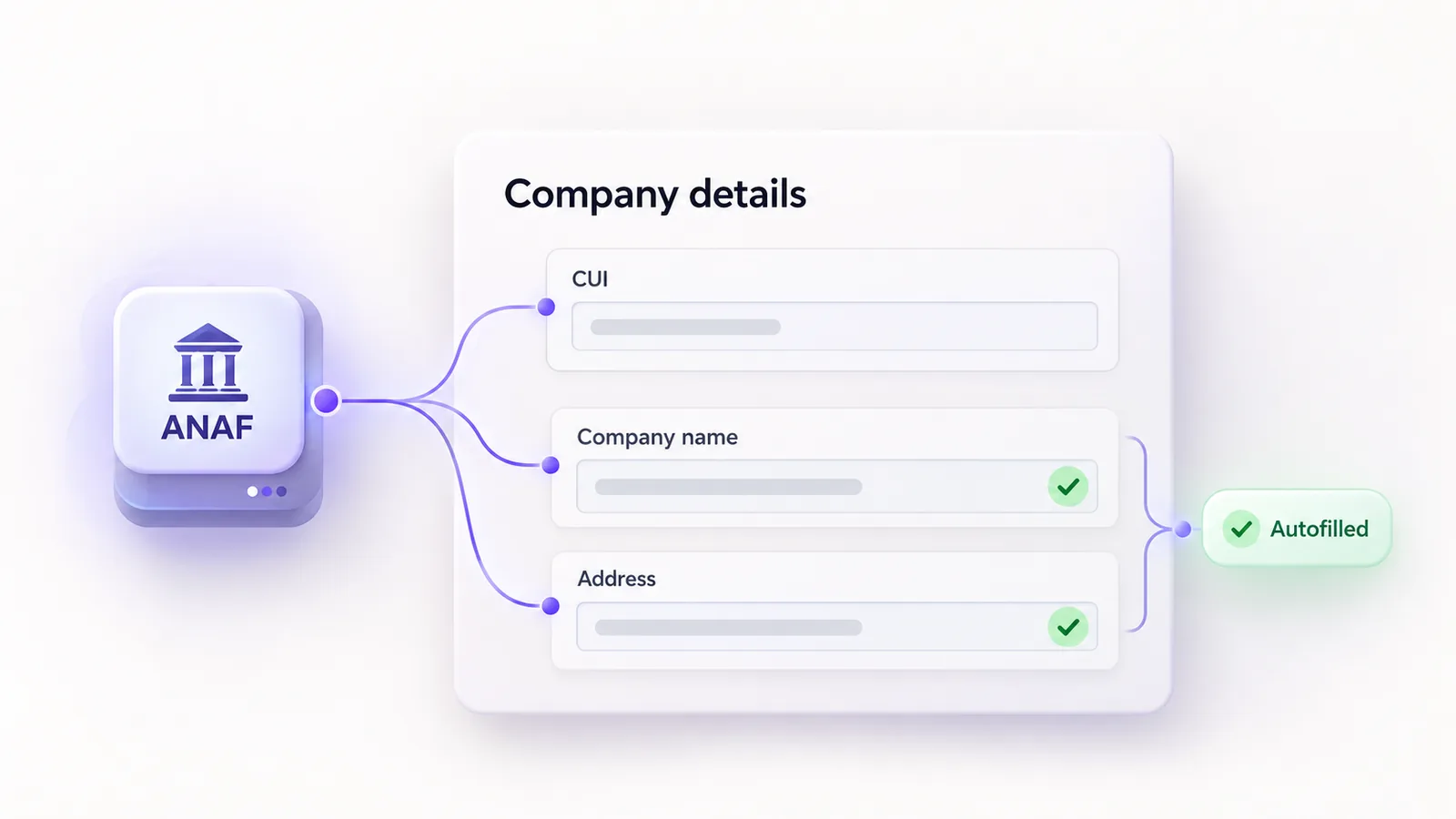
- Diacritics and spellings. Data from ANAF comes with cedilla diacritics (Ş, Ţ), while the ones in the store use the comma-below form (Ș, Ț). Some couriers accept both, others do not. Fix: normalise diacritics to a single format before sending.
- Missing or wrong county. The GLS reference data has no separate county field: the county is derived from the suffix of the locality name or from the first two digits of the postcode. Fix: derive the county from a reliable source and cross-check it.
- Phone in the wrong format. Spaces, prefixes, brackets. Fix: normalise numbers to a single format (E.164) and validate the length.
- Address in a single text field. Street, number, block, staircase and flat are mixed together. Fix: separate fields in the checkout, or a careful parser that asks for confirmation when it is unsure.
- Inconsistent cash on delivery or value. A cash on delivery amount that does not match the order total is not always rejected, but it can produce a wrong collection. Fix: compute the amount from the order, not from manually entered fields.
How to build the address correctly in the checkout
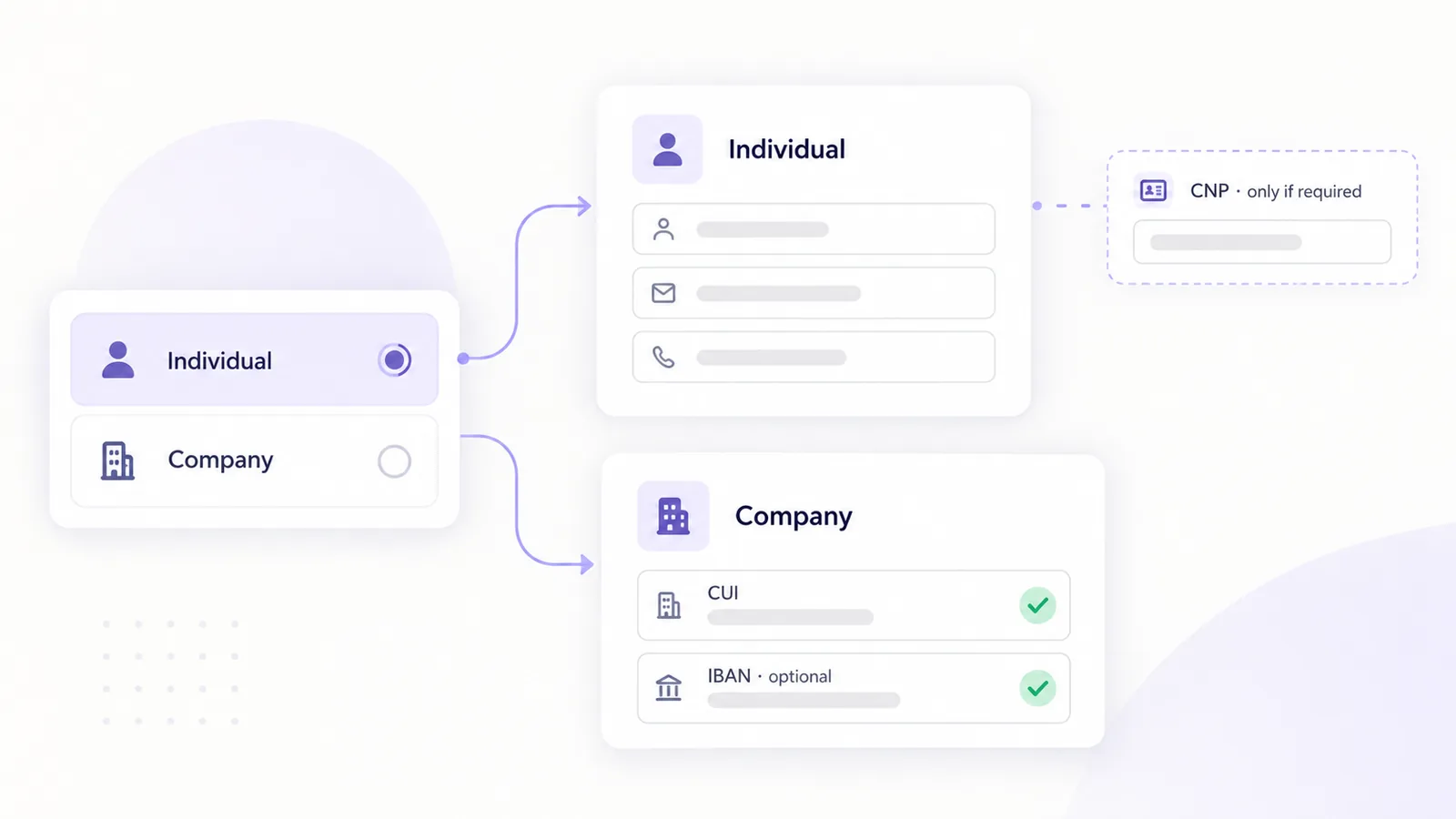
The starting point is structure. Put two selection lists in the checkout, county and locality, fed from the couriers’ reference data, and keep the street, number and details in their own fields. If your store also sells to companies, keep the delivery address separate from the billing address, as explained in the guide on individuals and companies at checkout.
For the postcode, a good approach is to offer it as a suggestion, not an obligation. In our dashboard, the postcode field proposes codes from the database based on the locality, still allows manual entry and shows only a warning, without blocking, when the code does not appear in the chosen locality. That way you catch mistakes without preventing a customer with a new or unusual address from ordering.
Any change to the address fields has to be tested in the checkout variant you use, because the flow differs between the classic and the block-based one. We described the differences in the guide on block versus classic checkout.
What to do when the courier rejects the address anyway
Keep two principles in mind. First: one smart retry, not a blind one. If the error relates to the postcode, you can retry once with a code derived from the reference data instead of the one in the order. Second: do not repeat the same request several times in a row. Some couriers treat it as abuse; GLS, for example, has a dedicated error for the same request sent five times in five minutes. If the retry does not solve it, stop and show the operator what to correct.
For messages, translate the error codes into useful sentences: “The address has no postcode and we could not derive it: choose the sector” is better than “Error 13”. Still keep the raw error in the log, for diagnosis.
Checklist before sending the AWB
- County and locality come from a list, not from free text.
- The postcode is derived or validated.
- In Bucharest, the sector is known.
- The street number is separate from the details.
- Diacritics are normalised.
- The phone number is in a single format.
- Cash on delivery is computed from the total.
- The raw error is saved in the log, and the operator sees a clear message.
Frequently asked questions
Why do I get a postcode error if the address is correct?
Because some couriers validate the code against their own reference data, and a code that is valid for the post office may be missing or different in their list. Derive the code from the locality or pick one from the suggestions.
How do I handle Bucharest?
Ask for the sector and derive the code from it. A generic code for “Bucharest” is not enough, because each sector has its own codes.
Should I let the customer type the address freely?
Let them fill in the street and number, but choose the county and locality from lists. That removes the most frequent errors.
Can I automatically retry a rejected AWB?
Once, with a clear correction (for example a derived postcode). A blind retry can create duplicates or trigger the courier’s limits.
Do diacritics matter to the courier?
Some accept and print them correctly, others do not. Normalise them to a single format so you do not depend on each courier’s behaviour.
If you want to reduce rejected AWBs in your store, see what a courier integration built to order looks like, or how we work in logistics and transport.