A B2B customer portal in WooCommerce is the customer account turned into a workspace: the buyer sees their own prices, delivery points, invoices and account status, and everything in it comes from the ERP. It is not a separate application. It is the same WooCommerce platform, with an account that does not resemble a retail one: it is created from the ERP, shows only that customer's data, and can block orders when the commercial situation requires it.
Below we describe how such a portal works inside a B2B platform on WooCommerce connected to an ERP: who gets an account, what the customer sees, how invoices reach the account, and what needs protecting.
In short
- The standard WooCommerce account is built for retail. A B2B portal extends it with new sections fed from the ERP.
- Accounts are created from ERP customers, not through open registration, and linked through the customer code from the ERP.
- Invoices stay in the ERP. The store imports them for display, and the PDF is requested from the ERP at the moment of download.
- A customer sees and downloads only their own invoices. Access is checked on the server, not just in the interface.
- Account status (active or suspended) blocks orders when checkout is processed, not just visually.
What a B2B customer portal is, and what the standard WooCommerce account offers
A B2B customer portal is the logged-in area where a business customer manages their commercial relationship with a supplier: they see their own prices, place orders, check invoices and find out whether any restrictions apply. In business terms, it is "my account" built for a company rather than a person. Some buyers also call it a B2B ordering portal.
WooCommerce ships with an account page (My Account) that handles orders, addresses, account details and downloads. Each section is an endpoint, meaning an address inside the account that displays specific content, and the list of sections can be extended in code. That extensibility is what makes a B2B portal possible without a separate application: you add sections (invoices, delivery points, account status) and feed them with ERP data.
What the standard account lacks is everything about the commercial relationship: it does not know the customer's negotiated prices, the invoices they received, the locations you deliver to, or whether they are allowed to order. Those have to be built and connected to the ERP.
Who gets an account: accounts are created from the ERP
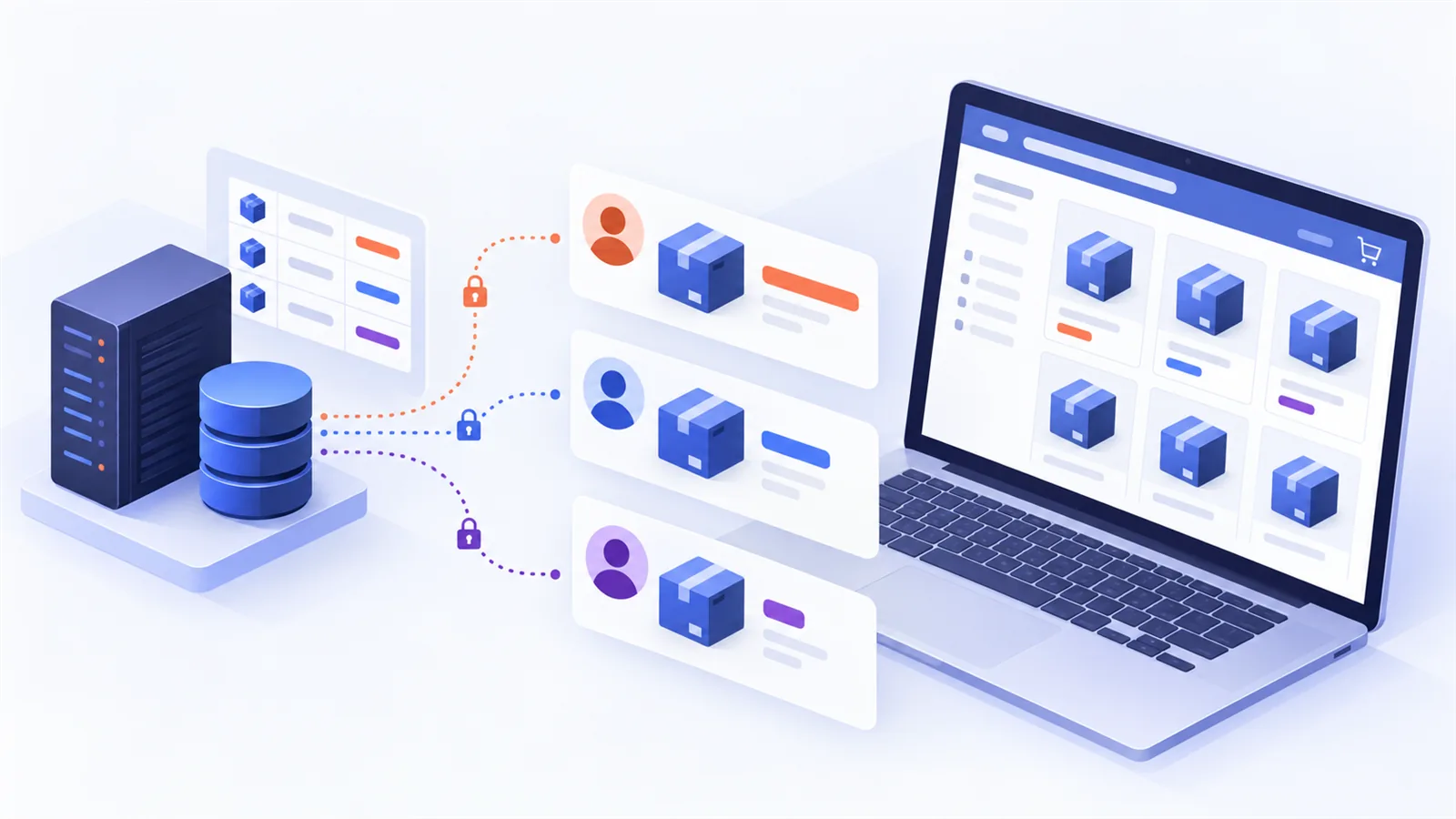
In a B2C store anyone can register. In a B2B store, open registration is a problem: anyone could end up seeing negotiated prices or placing orders on someone else's account. That is why, in a B2B portal, accounts are created from the ERP's customer list.
The general flow looks like this:
- Customer import. The store pulls active customers from the ERP, with identification data, delivery points and payment terms.
- Account creation. For each eligible customer a WooCommerce account is created and linked to the customer by their ERP code.
- The link stays stable. Prices, invoices and orders are tied to the account through that code, not through name or email, which can change.
- Exceptions stay visible. A customer with missing data or an email conflict does not get an account automatically, and the case appears in a review list so it is not lost.
The practical benefit: the commercial team does not maintain two customer lists. A new customer in the ERP becomes, after the next import, a customer with a store account.
What the customer sees in the portal
A portal is useful when each section answers a question the customer would otherwise ask on the phone. The table below summarizes the sections of a B2B portal built on WooCommerce.
| Section | Data source | What the customer can do |
|---|---|---|
| Prices and products | ERP: list prices, negotiated prices, stock | Sees their own prices and availability |
| Delivery points | ERP | Sees locations and picks a default one |
| Orders | WooCommerce, sent to the ERP | Places orders and tracks them |
| Invoices | ERP | Sees the list and downloads each invoice as PDF |
| Account status | Set internally | Learns whether ordering is allowed and sees warnings |
The prices in the first row have their own story, which we covered in the article on WooCommerce wholesale pricing per customer, and volume discounts are covered in the guide to WooCommerce bulk discounts for B2B. Here we focus on the other sections of the portal.
ERP invoices inside the customer account
Invoices are not generated in the store. They are fiscal documents issued by the ERP, and the ERP remains their source of truth. The store imports them (number, date, amount) and shows them in the customer account, in a dedicated section. That is the difference from the many WooCommerce invoice solutions that generate a PDF from order data: in a B2B portal, what the customer sees is the real invoice, with the real series and number.
That way the customer's accounting does not receive two different documents for the same order. For electronic invoicing, the official rules are published by the Romanian Ministry of Finance on its e-Factura page, and the fiscal document stays issued and transmitted from the ERP; the portal only makes it available to the customer.
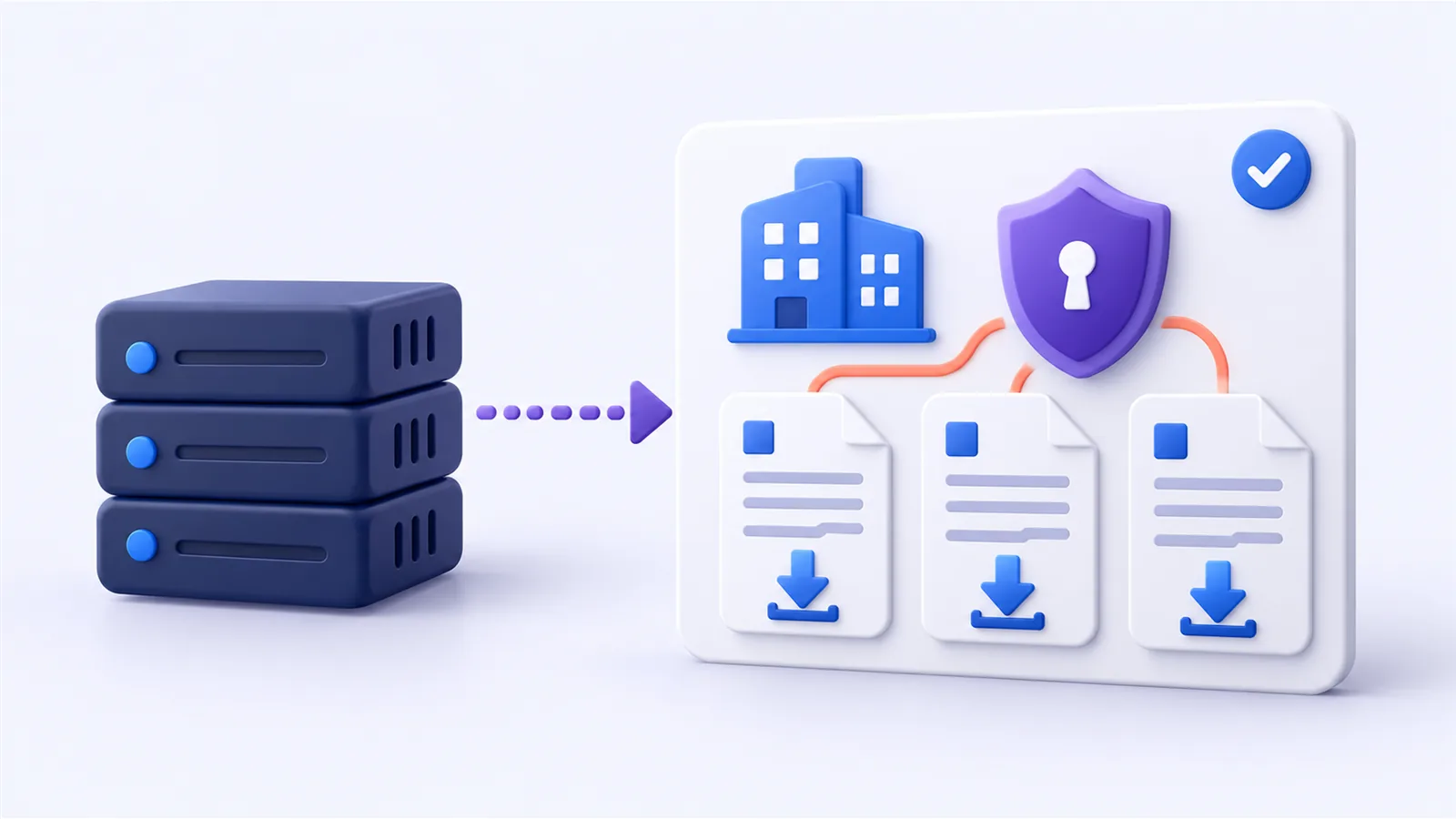
The PDF is requested at download time. The store does not keep PDF files. When the customer clicks download, the store asks the ERP for a temporary link, fetches the file and delivers it to the customer. The temporary link never reaches the customer; it is used internally. The advantages are concrete: thousands of files do not pile up on the server, the customer always gets the current version, and there are no file addresses that could be forwarded.
Each customer sees only their own invoices. On every download request, the store checks whether the invoice belongs to the logged-in customer. The check happens on the server, on each download, not only by hiding buttons. Administrators can see all invoices; customers only their own.
For large volumes, invoices are imported periodically, in batches. If an import does not finish in one run, the next one continues where it stopped, so the store's server is not blocked.
Delivery points and orders
In B2B an order is not only "what" and "how many", but also "where to". A customer may have several delivery locations, and they come from the ERP. In the portal the customer sees them and can choose one as default, but cannot add or edit them: locations are managed in the ERP, so delivery and invoicing stay consistent.
At checkout the order is placed on a delivery point, and the point's details are saved on the order, so the information stays correct even if the location changes later. The order then goes to the ERP with the customer, products and quantities. Prices are not forced from the store: the ERP calculates the document by its own rules. We wrote about this mechanism on the page about connecting the store to the ERP.
Account status and order blocking
Overdue balances and suspensions are a fact of B2B. A good portal does not hide them, but it does not handle them with a message alone either. An administrator can mark an account as active or suspended, set grace days and record an internal reason.
For a suspended customer the behavior has two parts:
- What the customer sees. A warning message in the account, cart and checkout. The internal reason is not exposed.
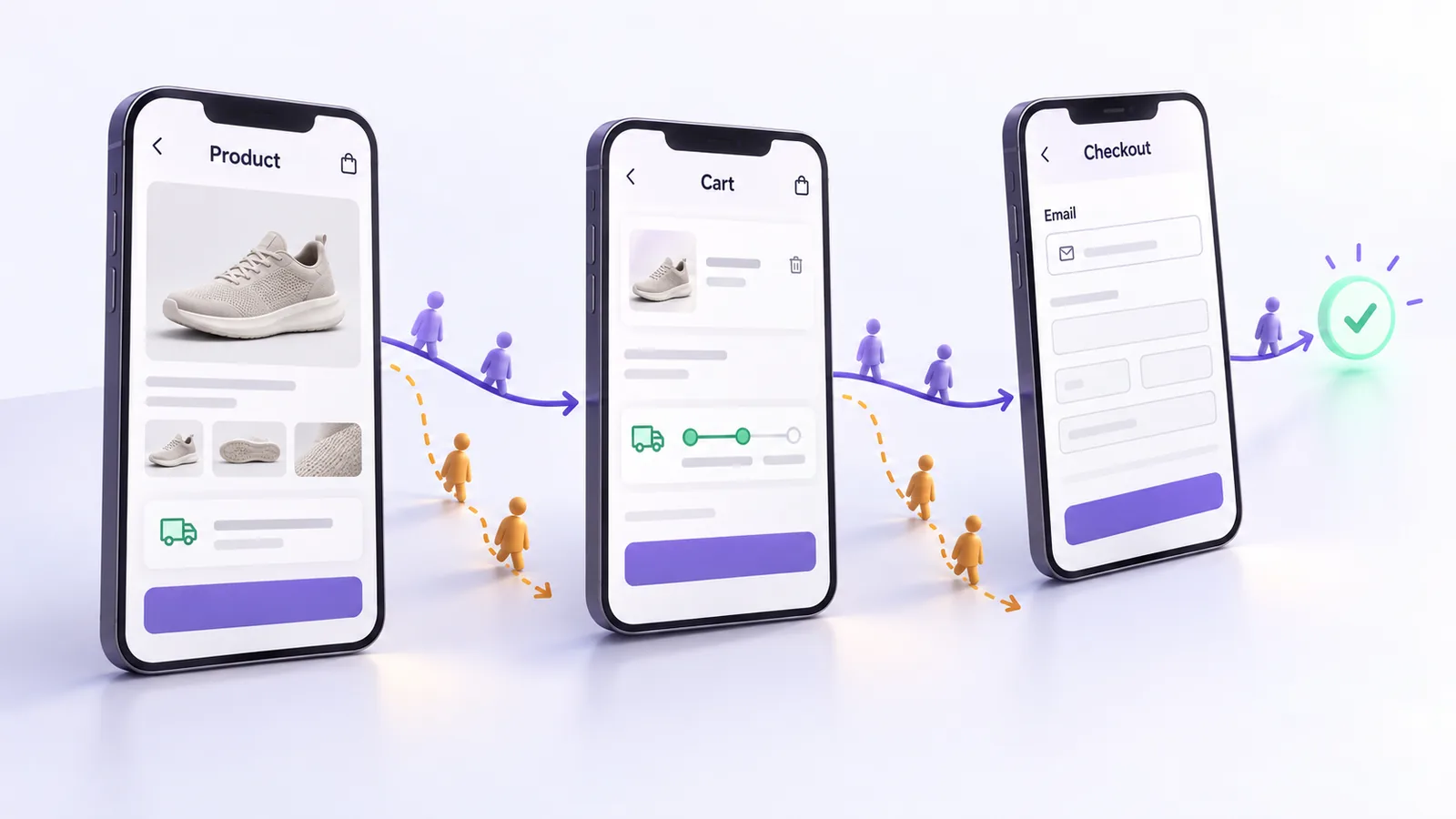
- What actually happens. The order cannot be completed. The block is applied when checkout is processed, not only in the interface, so it cannot be bypassed by opening another page or submitting the form directly.
The difference matters: a visual-only block is a message, not a rule. In a B2B portal the rule has to be enforced where the order is created.
Portal security
A B2B customer account holds negotiated prices, invoice history and commercial data. Three measures are essential:
- Strict access to own data. Invoices, delivery points and orders are checked on the server for the logged-in customer.
- Automatic logout on inactivity. After a configurable period the customer is logged out. 60 seconds earlier they get a warning and can continue the session. It matters most when an account is used by several employees on shared computers.
- Controlled imports. ERP data is pulled on a schedule and in batches, with an operation log, so errors can be traced without database access.
Why a custom portal instead of generic extensions
Generic B2B extensions handle simple cases well, for example a catalog with two price lists. A portal connected to an ERP has requirements they do not cover together:
- accounts created and maintained from ERP customers;
- real invoices pulled from the ERP, with the PDF requested on demand;
- server-side checks of access rights for every document;
- order blocking enforced at checkout;
- data that must match the ERP, the system responsible for money.
A custom-built portal keeps these rules in one place, they can be tested, and they change when the commercial policy changes. We explained this choice on the page about the WooCommerce B2B platform.
Common mistakes in B2B portals
- Open registration in a B2B store. Anyone can request access to prices and orders.
- Invoices generated in the store instead of pulled from the ERP. The customer sees a document that is not the real invoice.
- PDF files stored publicly. The file address can be forwarded and opened by anyone.
- Access checked only in the interface. The button is missing, but the address works for anyone who knows it.
- Visual-only blocking. A suspended customer sees a message but can still order.
- Delivery points editable by the customer. Delivery and invoicing drift out of sync with the ERP.
- Imports in a single run. At large volumes the server stalls or the import stops halfway.
From our projects: Forelit
For Forelit, a company in the HoReCa industry with over 700 B2B customers, we built a WooCommerce platform connected directly to SoftOne. Customer accounts are created from the ERP, invoices appear in each customer's account with the PDF requested at download time, each customer can access only their own invoices, and a suspended customer can no longer complete orders. Orders reach the ERP without manual entry. The details are in the Forelit case study.
Frequently asked questions
Can the standard WooCommerce account work as a B2B portal?
Partly. The standard account offers orders, addresses and account details, and its sections can be extended in code. A B2B portal needs negotiated prices, invoices, delivery points and account status added, all connected to the ERP.
How are customer accounts created?
From the ERP's customer list, not through open registration. For each eligible customer an account is created and linked to their ERP code, and cases with missing data or conflicts appear in a review list.
Where are invoices generated, in the store or in the ERP?
In the ERP. The store imports the invoice data and shows it in the customer account, and the PDF is requested from the ERP at download time. The customer gets the real document, not a separately generated copy.
Can a customer see another customer's invoices?
No. On every download, the store checks on the server whether the invoice belongs to the logged-in customer. Only administrators can see all invoices.
What happens to a customer with overdue balances?
The account can be marked as suspended. The customer sees a warning in the account, cart and checkout, and the order cannot be completed, because the block is applied when checkout is processed. The internal reason is not shown to the customer.
How often are invoices in the portal updated?
The import runs on a schedule, in batches, and the frequency is set by how quickly new invoices need to appear and by their volume. If an import does not finish in one run, the next one continues where it stopped.
If you want a B2B customer portal where accounts, invoices and status come straight from your ERP, see how we build a WooCommerce B2B platform connected to the ERP or tell us about your customer and invoice flow.