- Client
- Forelit, a HoReCa company with 700+ B2B customers
- Industry
- HoReCa
- Project duration
- 2 months
The problem
B2B customers ordered by phone, through their sales agent or by email. Every order had to be typed into SoftOne by hand, negotiated per-customer prices were checked manually, and customers had nowhere to see stock, their own prices or their invoices. It was chaotic and depended on people being available.
The solution
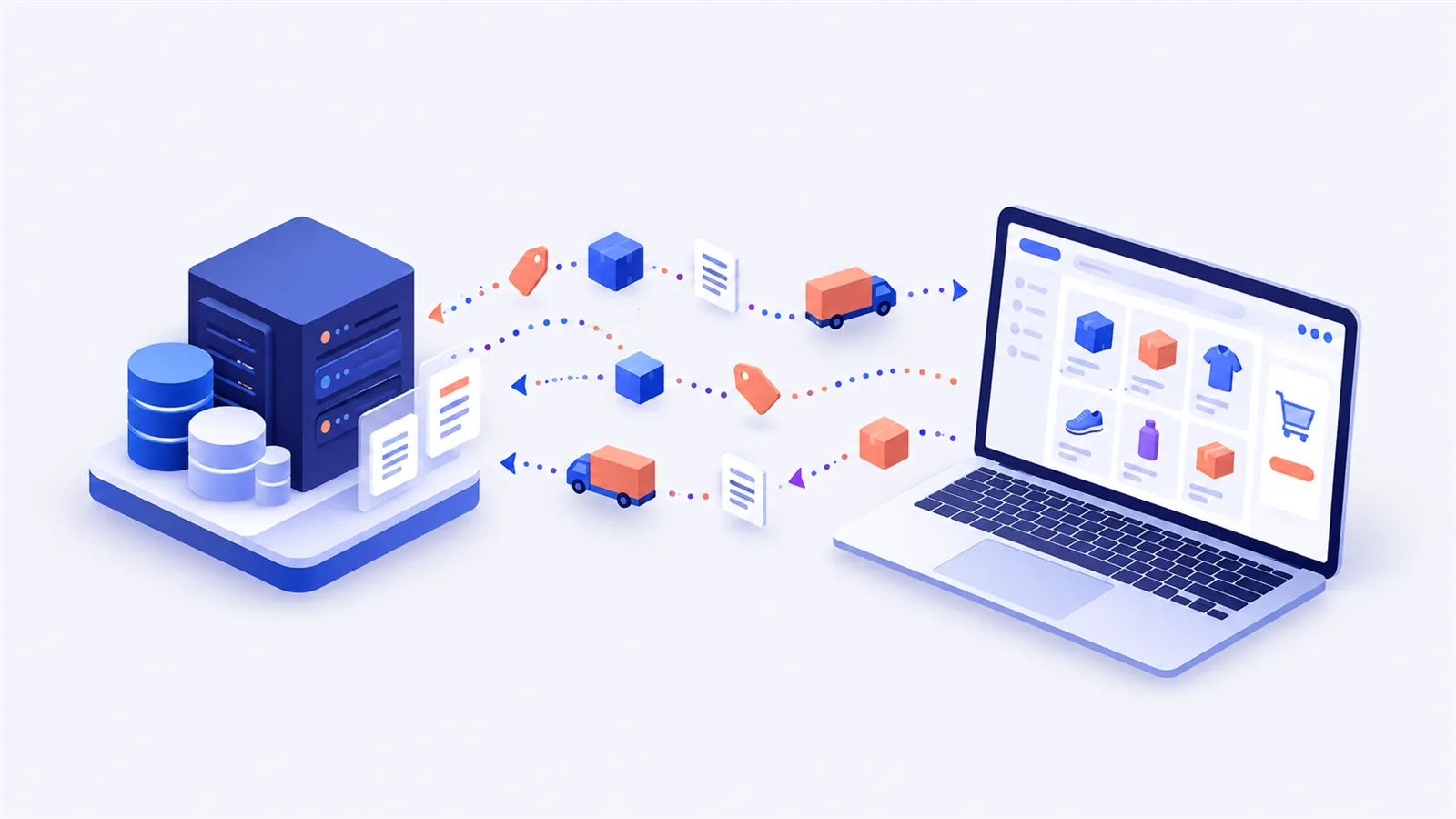
We built the B2B platform on WooCommerce, connected directly to SoftOne ERP through a module we developed. SoftOne stays the source of commercial data: customers, delivery locations, stock, list prices, negotiated prices and invoices. The store pulls them in automatically, shows each customer their own prices, lets them order for a delivery location and time slot, and sends the order back to SoftOne automatically.
Results
700+ customers imported from SoftOne, all with access to the platform.
Manual order entry is gone: orders go straight into SoftOne.
Prices, including per-customer negotiated prices, match the ERP exactly.
Order and pricing errors are close to zero.
Forelit works with more than 700 B2B customers in HoReCa. Before our project, an order started as a phone call, a message to a sales agent or an email, and someone in the office typed it into SoftOne. This is how we replaced that flow with an online ordering platform built on WooCommerce and connected directly to the ERP, in two months.
What an order looked like before
A customer called or wrote with a list of products. The agent or an office colleague took the order, looked up the customer's negotiated price in SoftOne, checked stock, picked the delivery address and entered the document by hand. When the customer needed an old invoice, they asked for it by email too.
Every step was a chance to get something wrong: a list price instead of the negotiated one, a misread quantity, an order shipped to the wrong location. And the volume grew with the number of customers, while the team did not grow at the same pace.

The core principle: SoftOne stays the source, the store is the interface
Our first decision was not to duplicate the ERP. SoftOne remains where customers, items, stock, prices, delivery locations and invoices live. WooCommerce becomes the interface through which the B2B customer sees them and orders. The module we built syncs only the data the store needs and sends orders back to SoftOne.
The link relies on two keys: the SoftOne customer code, stored on the WooCommerce account, and the SoftOne item code, stored on every product. If either is missing, the module does not guess: the product gets no stock or price, and the customer cannot submit the order until the mapping is fixed. We chose this on purpose, because a visible error is cheaper than a wrong order. You can read more about how we approach these projects on our ERP integration page.
Negotiated prices per customer, not per product
In B2B, the same product has different prices for different customers. That is why preferential prices are never written as the regular product price. They are pulled from SoftOne into a separate table, and when a customer is logged in, the store looks up the price for that customer and item combination and shows it only to them, with a visible preferential price label.
The final price is always calculated in the same order:
- start from the product's list price;
- if the customer has a negotiated price, use that instead;
- apply the valid volume discount, global or defined on the product;
- handle VAT according to the store and product settings.
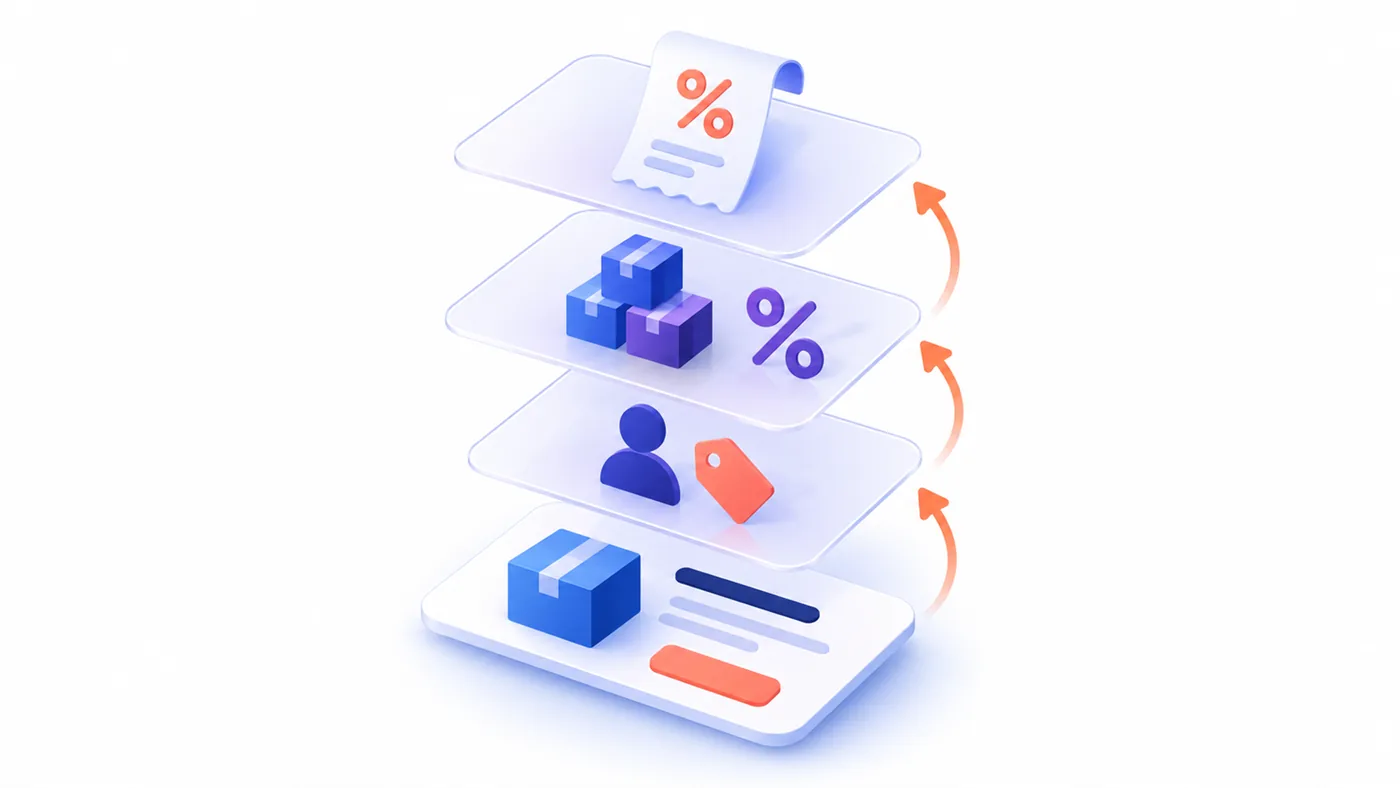
In the cart and at checkout, the applied discount is shown under each product, so the customer understands where the price comes from. Customers also get an "Only products with a preferential price" filter that narrows the catalog to the products they negotiated.
Stock and prices in two steps
We do not query SoftOne on every page view. Stock and list prices are pulled periodically into a local table, then applied to WooCommerce products in a separate step. The split has two benefits: the store stays fast even when the ERP responds slowly, and the administrator can run each step manually when they want to check something. We describe this kind of flow in more detail in our guide to SoftOne and WooCommerce sync.
When stock is applied, the module sets the quantity, enables stock management and marks the product as in stock or out of stock. Products that should not be synced can be excluded one by one.
700+ customers, and nobody created accounts by hand
All existing customers were imported from SoftOne with their company details, address, payment terms and delivery locations. From the same list, the administrator creates WooCommerce accounts in bulk. Each customer has a clear status: unmapped, mapped, missing email, email already used by another account, eligible for an account, account created or error. The status is not just informative, it decides which actions are available.
Many B2B customers had no email in the ERP, so the module can create accounts without one, based on company data. When SoftOne later receives a valid address, the account is updated. If that address already belongs to another account, the module does not merge them automatically: the administrator confirms manually, so one customer's prices and invoices never end up in someone else's account.
Delivery locations and time slots
In HoReCa, a customer often has several locations. Delivery locations come from SoftOne, and the customer sees them in their account and can set a default one, but cannot edit them. At checkout, every order must be placed for a delivery location and a delivery time slot. The chosen location is saved on the order together with its details at that moment, so the history stays correct even if the address changes later.
The result is a three-click checkout: the location and the time slot are right there, and nobody types addresses anymore.
Invoices, right in the customer account
Invoices are imported from SoftOne and appear both in the customer account and in the admin. The PDF is not stored in WordPress: on download, the module requests it from SoftOne and delivers it to the user. A customer can only download their own invoices, and the temporary link received from the ERP never reaches them. Requests like "could you send us the March invoice?" are gone.
Orders reach SoftOne on their own
Once placed, the order is sent automatically to SoftOne with the customer and the product lines. Prices are not forced from the store: SoftOne calculates the document using its own rules, so the ERP remains the single source of truth for money. The WooCommerce order list has a column showing whether an order was sent, failed or has not left yet, and any order can be resent manually with one click.
Suspended accounts that are actually blocked
The administrator can suspend a customer, for example for overdue payments, with grace days and an internal reason. The customer sees a warning in their account, cart and checkout, and the order is blocked when it is processed, not just hidden visually. The internal reason is never shown to them. Because a B2B account holds prices and invoices, the session closes automatically after a period of inactivity, with a warning one minute before.
Reliability: batches, logs, reconnection
Large imports (customers, prices, invoices) run automatically in batches and pick up where they left off, so the server is never overloaded. The SoftOne session is reused and renews itself when it expires. Every operation (authentication, stock, prices, customers, invoices, orders) goes into a filterable log that shows quickly where a flow stopped. We also wrote an operations manual for the Forelit team, with the checks to run when a price or stock level does not look right.
The results
In two months, Forelit went from orders taken by phone and email to a platform used by all of its 700+ B2B customers. Manual order entry is gone, negotiated prices are identical in the store and in the ERP, and errors are close to zero. Sales agents spend their time with customers, not retyping orders.
When a B2B platform connected to your ERP makes sense
This kind of platform pays off when you have dozens or hundreds of recurring customers, different negotiated prices and an ERP that already holds the correct data. You do not need to replace your ERP or build a store from scratch: WooCommerce can be the interface, with WooCommerce development tailored to B2B flows. If you work in HoReCa or distribution and orders still come in by phone, write to us and we will tell you what could be automated in your case.