A slow store does not just lose impatient visitors, it loses orders: buttons that respond late, a cart that updates slowly, a checkout that “freezes” after you fill in a field. Google measures these things through three metrics called Core Web Vitals, and the most recent of them, INP, is often the hardest for a WooCommerce store, because it depends on how much JavaScript runs on the page.
This guide explains what each metric means, how to measure them on real data, not just in a lab test, and in what order to fix the typical problems of a WooCommerce store, from third-party scripts to the cart and checkout. For a full assessment of a site, see our speed optimisation service.
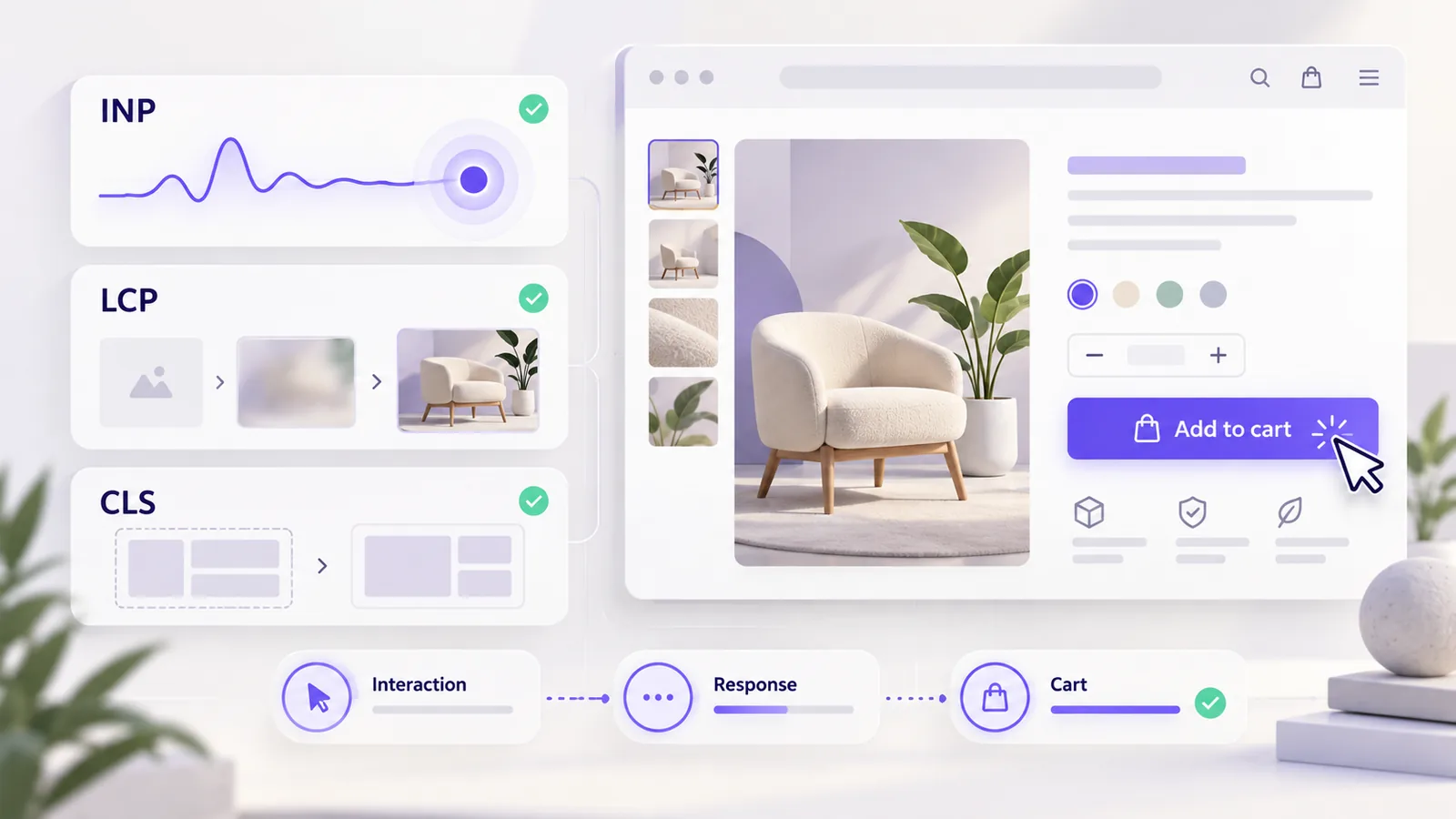
In short: Core Web Vitals are LCP (how fast the main content appears), INP (how fast the page responds to a click or keystroke) and CLS (how stable the layout is). They are evaluated on real user data, at the 75th percentile, separately for mobile and desktop. Start from the Search Console data, fix the scripts that block the page and the main image first, then the cart and checkout. Do not promise better rankings: promise faster pages.
The three metrics and their thresholds
| Metric | What it measures | Good | Poor |
|---|---|---|---|
| LCP (Largest Contentful Paint) | Time until the main element of the page appears | Under 2.5 seconds | Over 4 seconds |
| INP (Interaction to Next Paint) | How long the page takes to visibly react to an interaction | Under 200 ms | Over 500 ms |
| CLS (Cumulative Layout Shift) | How much content moves while loading | Under 0.1 | Over 0.25 |
Between “good” and “poor” is the “needs improvement” zone. Evaluation happens at the 75th percentile: for a page to pass, at least 75% of real visits must fall within the “good” threshold. INP replaced the FID metric in March 2024 and is stricter, because it takes into account all interactions during the visit, not just the first one.
Why INP is the main problem in a WooCommerce store
A WooCommerce store runs a lot of JavaScript: the theme, the plugins, cart widgets, product filters, analytics and marketing scripts, chat, reviews. Every customer interaction (a click on “Add to cart”, opening the menu, filling in a checkout field) runs on the same thread as the rest of the code. If that thread is busy with another script, the interface does not react until it finishes, and that is exactly what INP measures.
This is why a page can load quickly and still “feel” slow: LCP is good, but INP is poor. A lab test does not catch it easily, because Lighthouse does not measure INP directly but uses a nearby indicator (total blocking time), and the real measurement comes from real user data.
How to measure correctly
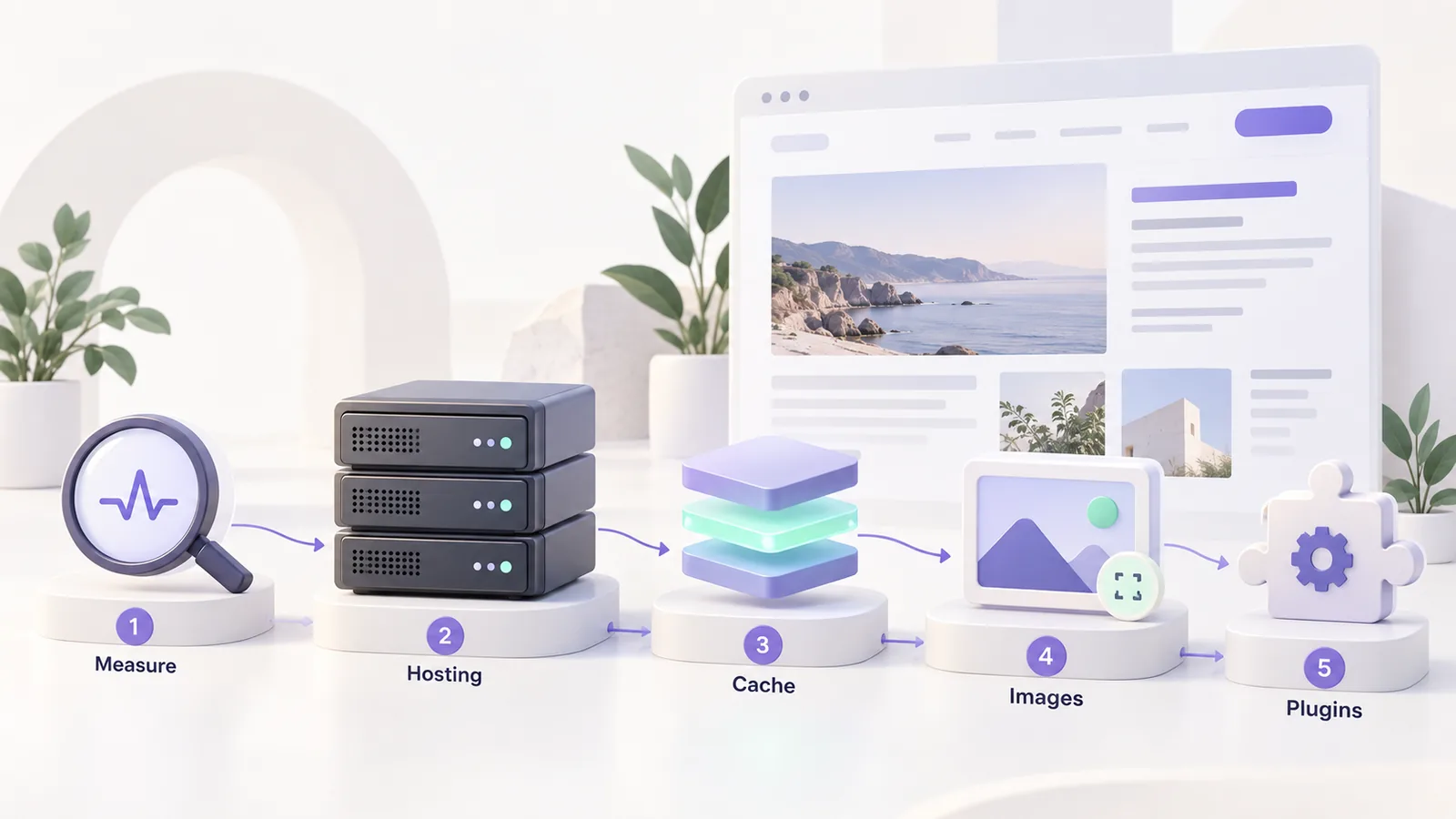
Start from real data, then move toward causes:
- The Core Web Vitals report in Search Console. It shows groups of URLs with problems, separately for mobile and desktop. From there you learn which kind of page needs attention: product, category, cart or checkout.
- PageSpeed Insights. For a specific page it shows real data (if it has enough traffic), plus a lab test with recommendations. Give priority to the real data.
- The Performance panel in Chrome DevTools. Here you see what runs on the main thread during an interaction, which script blocks and how long each task takes.
- Your own measurement, in production. The web-vitals library gives you the real values, with details about the element and the script responsible:
import { onINP, onLCP, onCLS } from 'web-vitals/attribution';

function report({ name, value, attribution }) {
  console.log(name, Math.round(value), attribution);
}

onINP(report);
onLCP(report);
onCLS(report);
Instead of console.log, you can send the values to analytics, to see how they evolve across pages and devices.
What to fix, in order of impact
| Problem | Affected metric | Typical causes | First step |
|---|---|---|---|
| Heavy third-party scripts | INP, LCP | Marketing tags, chat, review widgets | Remove what you do not use, delay the rest until interaction or consent |
| Slow main image | LCP | Large image, loaded late, with no priority | Optimise the format, give it loading priority and do not lazy-load it |
| Fonts that block rendering | LCP, CLS | External stylesheets that block rendering | Preload critical fonts and load the rest without blocking |
| Jumping layout | CLS | Images without dimensions, banners inserted late | Set image width and height and reserve space for banners |
| Slow cart and mini-cart | INP | AJAX requests on every load, cart update scripts | Check which requests start automatically and delay or remove them if they are not needed |
| Checkout that freezes | INP | Recalculations on every field, plugins that change the form | Reduce the plugins active in checkout and test on an average phone |
| Slow server | LCP | No page cache, weak hosting, loaded database | Enable caching, check the server response time and the hosting |
From our experience on our own site, two small steps had a clear effect: loading Google fonts without blocking (preload, then apply after loading) and loading priority on the header logo, which is the element at the top of the page. They are not universal recipes, but they show the kind of intervention that matters: not a spectacular change, but removing one thing that blocks rendering.
Third-party scripts and consent
The heaviest scripts in a store are usually the marketing and analytics ones. They are also directly tied to consent: marketing pixels should not load before consent, which also takes weight off the first load. If you set up your banner correctly, you gain both compliance and speed; we described how, step by step, in the guide on Consent Mode v2.
Cart and checkout, where most orders are lost
On a product page, a delay of a few hundred milliseconds annoys. In checkout, it costs orders. Every plugin that touches the form (shipping, billing, custom fields, validations) adds code that runs on the customer’s interaction. That is why, after every change, you should test the checkout on an average phone, not on your development laptop. If you have moved or are about to move to the block checkout, the interface is built differently and performance has to be measured again, as explained in the guide on block versus classic checkout. For UX ideas that affect conversion, see also the ecommerce UX checklist.
Hosting and server
No front-end optimisation compensates for a server that answers slowly. Check the server response time, use page caching where possible (product and category pages, not the cart and checkout) and make sure the hosting has resources for a store, not just for a blog. If you are thinking of changing infrastructure, see what optimised WordPress and WooCommerce hosting looks like.
A simple plan for the first month
- Week 1: read the Search Console report and pick the group of pages with the most poor URLs.
- Week 2: inventory the scripts on those pages and remove or delay what is not essential.
- Week 3: deal with the main image, the fonts and the image dimensions.
- Week 4: test the cart and checkout on a phone and measure again.
After each step, wait for new data to accumulate: real data updates with a delay, because it is calculated over a window of a few weeks.
Frequently asked questions
What is INP and why did it replace FID?
INP measures how long it takes for the page to visibly react to an interaction, across the whole visit. FID only measured the delay of the first interaction, so it missed many real problems.
Do Core Web Vitals raise my Google rankings?
They are a page experience signal, not a guarantee of positions. The sure benefit is different: a fast page loses fewer orders.
Why does my Lighthouse test look good but Search Console shows problems?
Because Lighthouse is a lab test on a simulated device, while Search Console uses real user data, including from slow phones. The real data takes priority.
How long until an improvement shows in Search Console?
The data is calculated over a window of a few weeks, so a change appears gradually. Measure with your own tool if you want to see the effect sooner.
What do I fix first in a WooCommerce store?
The third-party scripts that block the page and the main image. They are the most common causes and are relatively cheap to fix, unlike rewriting a theme.
If you want a speed audit of your store, with priorities and estimates, see how we work on speed optimisation.